
Remove noise from a photo
Clean up the speckled grain of a dark-room or night photo without melting the detail underneath.
Works in your browser. Free preview; 5 full-resolution photos for $4.99.
What this tool does
Noise is random: each speckle differs from its neighbour in a way real texture does not. The denoiser is trained on pairs of noisy and clean photographs, so it learns to tell the two apart and removes the speckle while keeping hair, fabric and brickwork. A noise-reduction slider can only average neighbouring pixels, which is why it turns skin into wax.
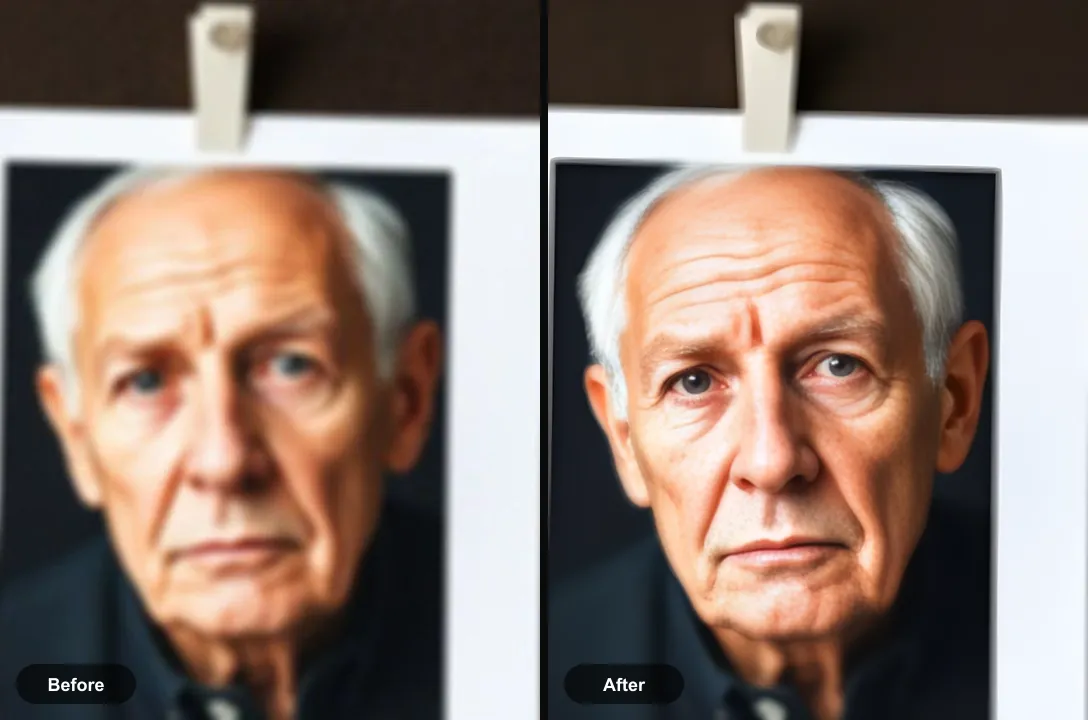
Good for
- Night and indoor shots taken at high ISO
- Concert and party photos where the camera pushed the sensitivity up
- Scans of film with heavy grain you would rather not keep
Where it stops working
Noise and blur are different problems. A photo that is both grainy and soft is better run through Unblur, which handles both. Film grain on a print is part of the look of the period; removing all of it can make an old photo look strangely modern.
Questions about remove noise from photo
What causes noise in photos?
In low light the sensor amplifies a weak signal, and the amplification brings up random electrical variation along with it. The higher the ISO, the more visible the speckle.
Is denoising the same as smoothing?
No. Smoothing averages pixels and loses detail with the noise. The AI model separates the two, so edges stay sharp while the grain goes.
Read the full guide
How to make a blurred picture clear covers the method in detail, including the cases where this tool is the wrong choice.