
Unblur photo
Rebuild the edges your camera failed to record. Works on camera shake, missed focus and low-light softness.
What this tool does
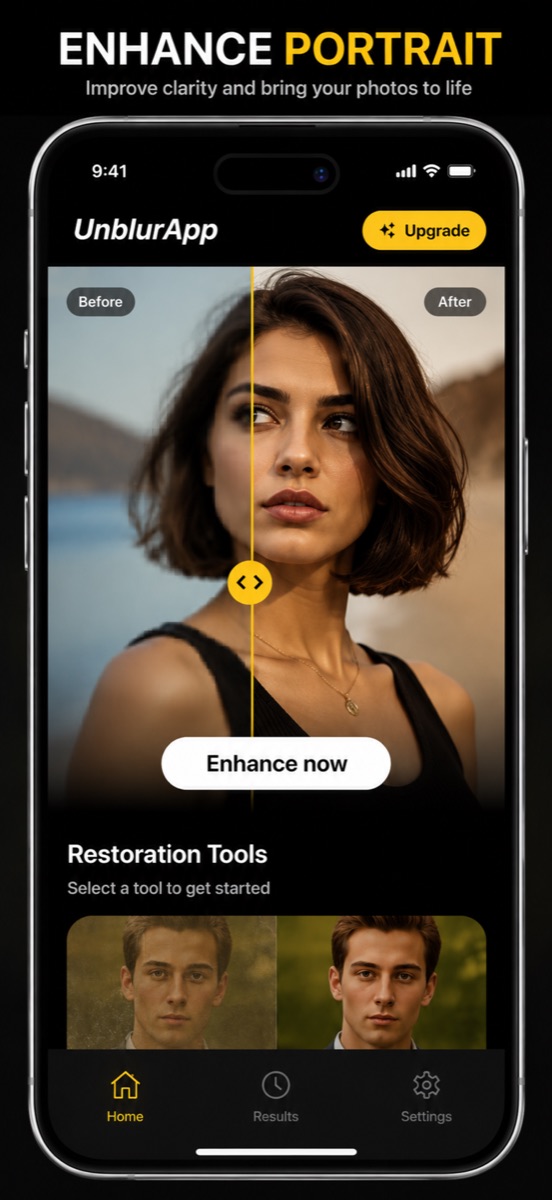
The unblur pass reconstructs edge detail across the whole frame. Blur from movement or a missed focus point still holds the picture’s information, spread across more pixels than it should be, and the model pulls it back into place. A run takes about a minute and the original file stays untouched in your library.
Good for
- Photos of a child or pet who moved during the shot
- Indoor and evening shots where the shutter stayed open too long
- Pictures where the background is sharp and the subject is not
Where it stops working
Heavily compressed images that have been forwarded through several chats respond poorly, because their detail was discarded and not merely misplaced. Use the upscaler on those instead.
Common situations
Questions about unblur photo
Does unblurring work on old photos too?
Yes, though a soft scan of an old print usually benefits more from Repair, which handles fading and damage in the same pass.
Will the unblurred photo be lower resolution?
No. The result exports at full size, and the file you started with stays in your camera roll unchanged.
Read the full guide
How to unblur a photo on your iPhone covers the method in detail, including the cases where this tool is the wrong choice.