
Free online photo restoration, honestly assessed

Free photo restoration tools nearly always process at full quality and then limit what you can take away: a watermark, a reduced export size, or a daily cap. Check the export before you invest an afternoon, because a restoration you cannot save at full resolution is not a restoration.
Why free tiers are structured the way they are
Every restoration costs the operator real money. A single pass runs a large model on a GPU, and nobody is giving that away indefinitely out of goodwill. So the free tier exists to show you a result good enough that you will pay to keep it.
That shapes where the limits land. Processing quality is usually not restricted, because a bad preview sells nothing. The restriction sits at the download: a watermark across the corner, an output capped at 800 or 1000 pixels, a limit of one or three images a day, or an account wall before the save button.
None of that is dishonest, but it does mean the free result you are admiring may not be the file you can actually keep.
Test any tool in ninety seconds
- Pick one representative photo
Use a real one from your box, not a sample image. Sample images are chosen because they work.
- Run it and save the result
Go all the way to a file on your device. The preview is not the deliverable.
- Open the saved file and check its size
If it came back smaller than what you uploaded, the tool downgraded your photo to fit its free tier.
Doing this before you process fifty photos saves the afternoon where you discover, at photo forty, that every one of them is watermarked.
Browser tool or app
Browser tools have one real advantage: nothing to install, and they work from a laptop where your scans probably already are. They tend to be clumsier on a phone, where most people actually keep their photos, and they usually want an account before they will let you download.
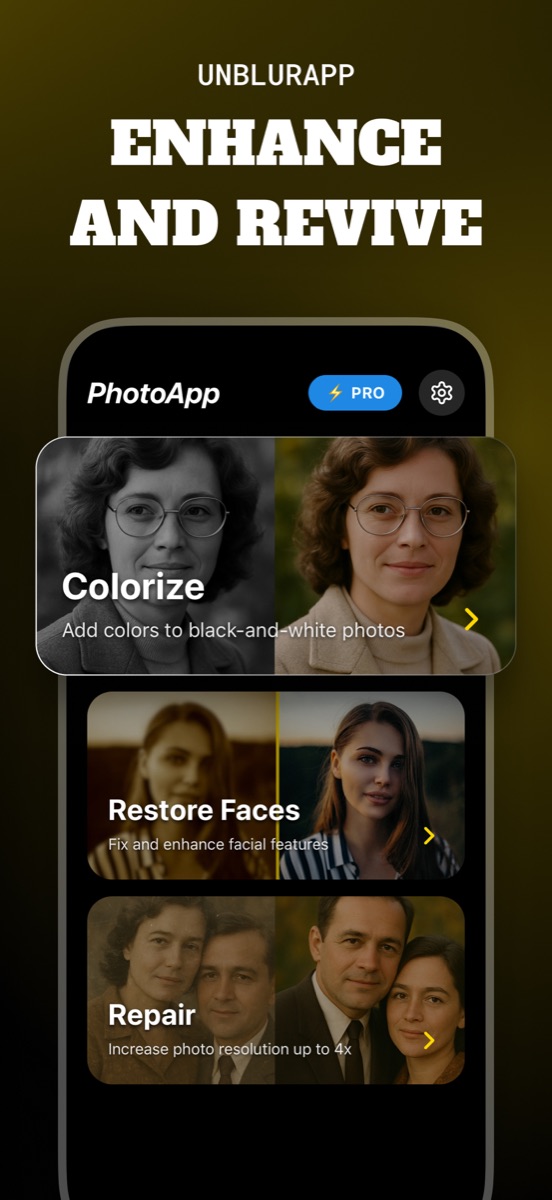
An app has the camera roll built in, which matters more than it sounds. Photographing a print and enhancing it happens in one place, and the result lands back in your library rather than in a downloads folder. UnblurApp is free to download and free to try, and the subscription is the part that lifts the export limits.
What free versions rarely include
Two things tend to sit behind the paywall everywhere, and they happen to be the two that matter most on old prints.
Full-resolution export is the first. The upscale is the expensive part of the job, so free tiers hand back a small file even when the model produced a large one. The second is batch processing. Restoring one photo free is a demo; restoring a shoebox of two hundred is the actual task, and it is priced accordingly.
A note on uploading family photos
Free is not free of consequences. Your photograph goes to somebody's server, and the terms you clicked through decide what happens next. Some services delete uploads within hours. Others reserve broad rights over anything you send them.
For most family snapshots this is a low-stakes question. For photos of children, documents, or anything you would not put on a public profile, spend the two minutes reading what the service says it keeps. The cheapest tool is not always the least costly one.
Questions people also ask
Is there genuinely free old photo restoration with no watermark?
Some tools give you a small number of unwatermarked exports before asking for payment. Fully unlimited free restoration at full resolution is rare, because the compute behind each pass costs the operator money.
Do free tools produce worse results than paid ones?
Usually the processing is identical. The difference shows up at export: resolution caps, watermarks and daily limits, rather than a deliberately worse restoration.
Related guides

How to restore old photos
Restore old photos without a scanner or Photoshop. How to capture prints properly, what AI restoration fixes, and how to make old photos look new.
Read the guide →
Choosing the best app to unblur photos
Choosing an app to unblur pictures? Here are the five things that separate a useful photo unblur app from a watermark factory, and how UnblurApp compares.
Read the guide →
Remove blur from a photo online, free
Fix a blurry photo online free. Which blurry pictures can be saved, where free tools cap you, and how to get a full-resolution result from your phone.
Read the guide →