
Blurry photos from Instagram
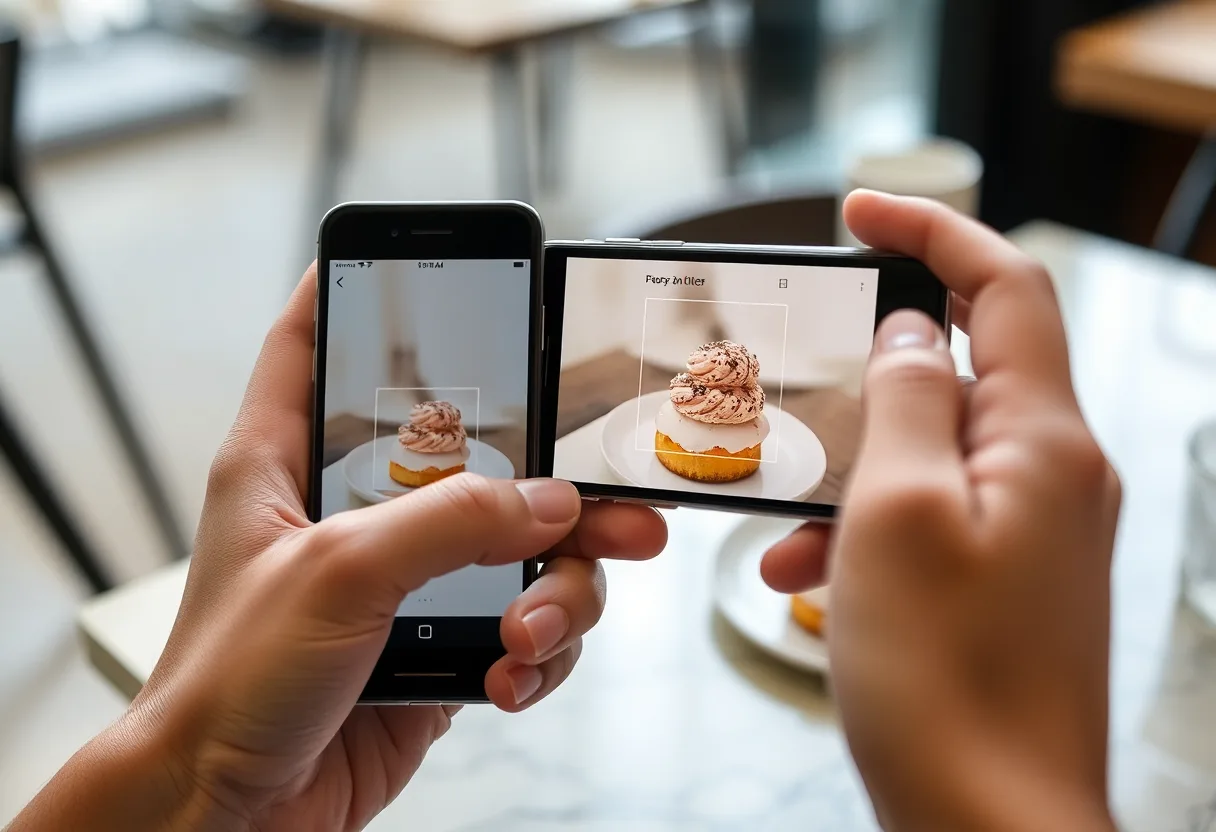
Instagram resizes photos to 1080 pixels wide and compresses them again, so a sharp phone photo arrives softer, and a saved or screenshotted copy is softer still. Change the upload setting, and upscale the copies you already have.
What Instagram does to an upload
A modern phone photo is around 4000 pixels wide. Instagram scales it down to a maximum of 1080 pixels wide and recompresses it, discarding most of the fine detail. On a slow connection it may also upload at a lower quality than that. Anything you save back from Instagram, or screenshot from the feed, is that reduced copy, and each further share compresses it again.
What to run, and in what order
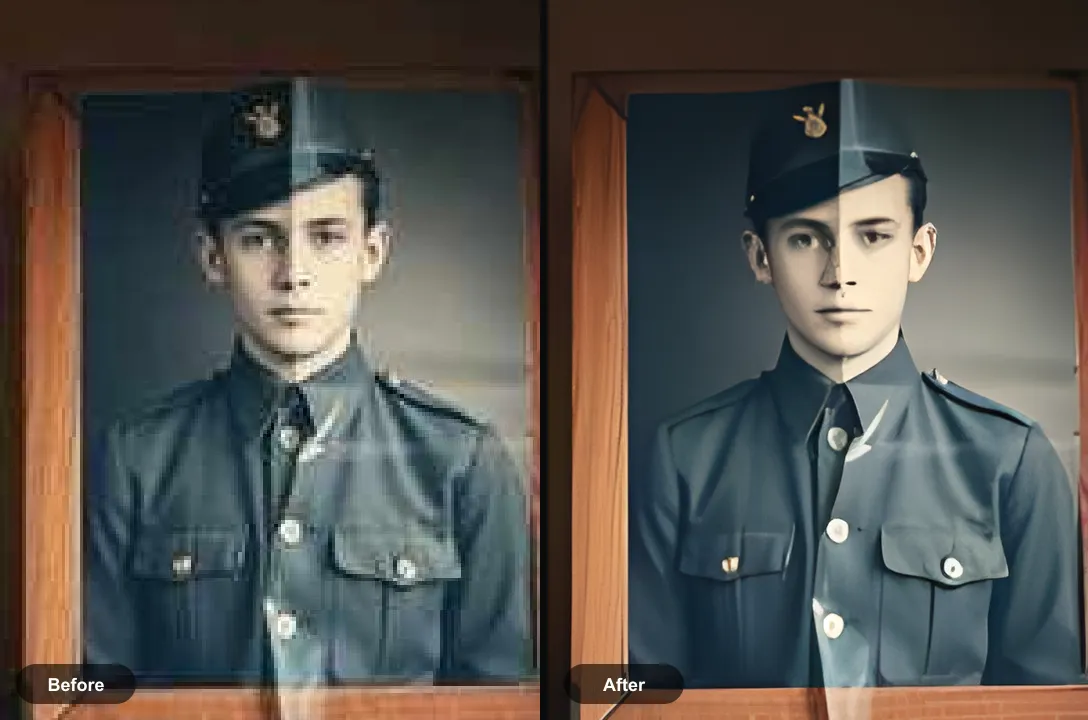
If the photo only survives as an Instagram copy, upscaling is the right tool: the detail was removed by resizing and compression, so it has to be generated rather than sharpened. Run Restore Faces afterwards on portraits, where compression smears eyes and skin first.
The tool for this is Upscale an image to HD.
What to expect
Partly fixable. A 1080-pixel copy upscales into a usable print-size file for portraits and scenes. Text, fine patterns and small faces in the background were discarded and come back reconstructed.
Practical notes
- In Instagram’s settings, look for the media quality option to upload at the highest quality, so uploads are not reduced further on mobile data
- Post from the original in your camera roll, not from an edited copy saved by another app
- If the photo came from someone else’s post, ask them for the original file rather than screenshotting it
Questions
Why are my photos blurry on Instagram?
Instagram resizes photos to at most 1080 pixels wide and compresses them, and on a weak connection it may upload at lower quality. Turning on the highest-quality upload setting helps, but the 1080-pixel limit always applies.
How do I fix a blurry photo I saved from Instagram?
Find the original if you can, since the saved copy is the reduced version. If not, upscale it: generating detail works better than sharpening on a compressed 1080-pixel image.
Going deeper
How to unpixelate an image explains the method behind this, including what it cannot fix.