
Blurry photos from Facebook

Facebook resizes and heavily compresses every photo, so years of family pictures now exist only as reduced copies. Upload in HD from now on, and upscale the copies where the original is gone.
What happens to a photo on Facebook
Facebook scales photos down, typically to around 2048 pixels on the long side at most, and applies strong compression to keep its storage and bandwidth manageable. Older uploads were often stored smaller still. For many families, the Facebook album is now the only surviving copy of photos taken on phones that were later lost, so the reduced version is all there is.
What to run, and in what order
Upscale first, since the loss is resizing and compression rather than blur, then Restore Faces on the people. Photos downloaded from Facebook years ago, then reshared, may have been compressed several times; download a fresh copy from the original post rather than using one that has travelled.
The tool for this is Upscale an image to HD.
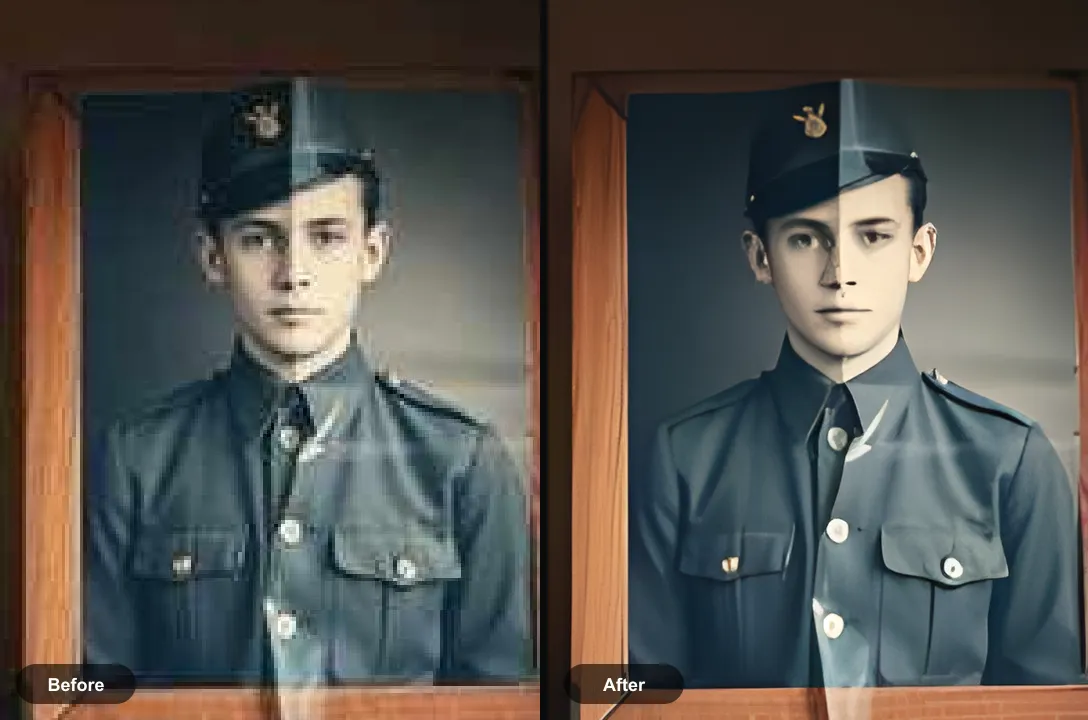
What to expect
Partly fixable. Group photos and portraits from Facebook albums upscale well enough to print at small sizes. Very old, small uploads gain the most and also show the most reconstruction.
Practical notes
- Check the app’s media settings for an option to upload photos in HD before posting
- Download your own albums through Facebook’s download-your-information tool to get the highest stored versions in one go
- For a photo that matters, ask the person who posted it whether the original is still on their phone or in a cloud backup
Questions
Why do my photos look blurry on Facebook?
Facebook resizes uploads and compresses them heavily. Turning on HD upload in the app’s media settings keeps more detail, but every photo is still reduced from the original.
Can I get better quality copies of my old Facebook photos?
Download them from the original post or through Facebook’s download-your-information tool, which gives the largest stored version. Then upscale the ones you want to print.
Going deeper
How to unpixelate an image explains the method behind this, including what it cannot fix.