
Restoring tintype pictures
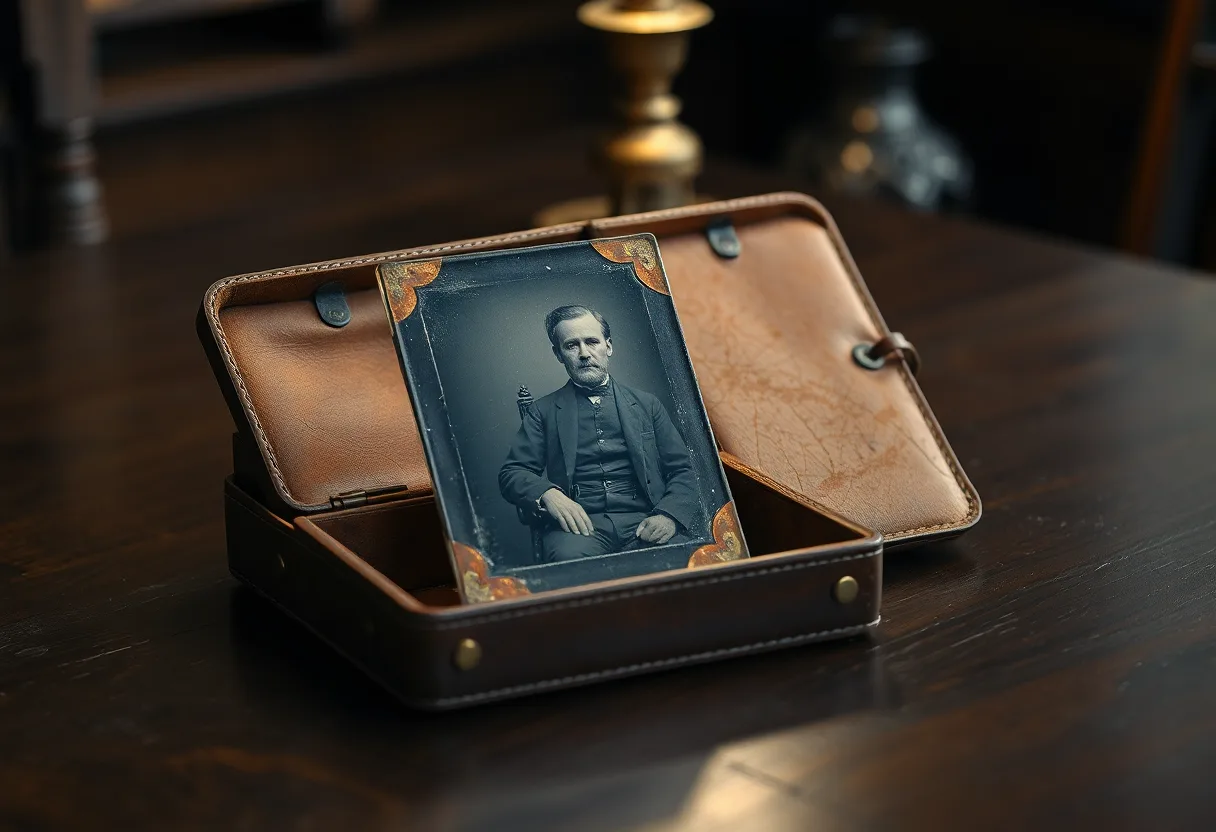
A tintype is a photograph on a thin sheet of iron, and it is fragile in ways paper is not. Never wash or bend it; photograph it at an angle to its varnish, then restore the copy.
What a tintype is
Tintypes were popular from the 1850s into the early 1900s because they were cheap and fast: the image was made directly on a thin iron plate coated with black lacquer, then varnished. There is no negative, so each tintype is unique, and the image is usually mirrored left to right. Their typical damage is rust where the lacquer has chipped, flaking at bent corners, scratches in the soft varnish, and a dark, low-contrast image to begin with.
Before you photograph it
- Never wash, wet or freeze a tintype; the iron rusts and the image lifts
- Do not try to straighten a bent plate, because the image layer cracks off along the bend
- Leave it in its paper sleeve or case if it has one, and photograph it there if removing it is risky
Getting a good capture
- Shoot at a slight angle to the varnished surface and adjust until the reflection disappears, then correct the perspective afterwards
- Expose for the image, not the background: tintypes are dark, and phones tend to brighten the surround instead
What to run, and in what order
Run Restore Old Photos for contrast first, since tintypes are dark and flat by nature, then Repair for rust spots and scratches, then Restore Faces for small portraits. Flip the restored copy horizontally if you want the sitter the right way round, and keep a note that you did.
The tool for this is Restore old photos.
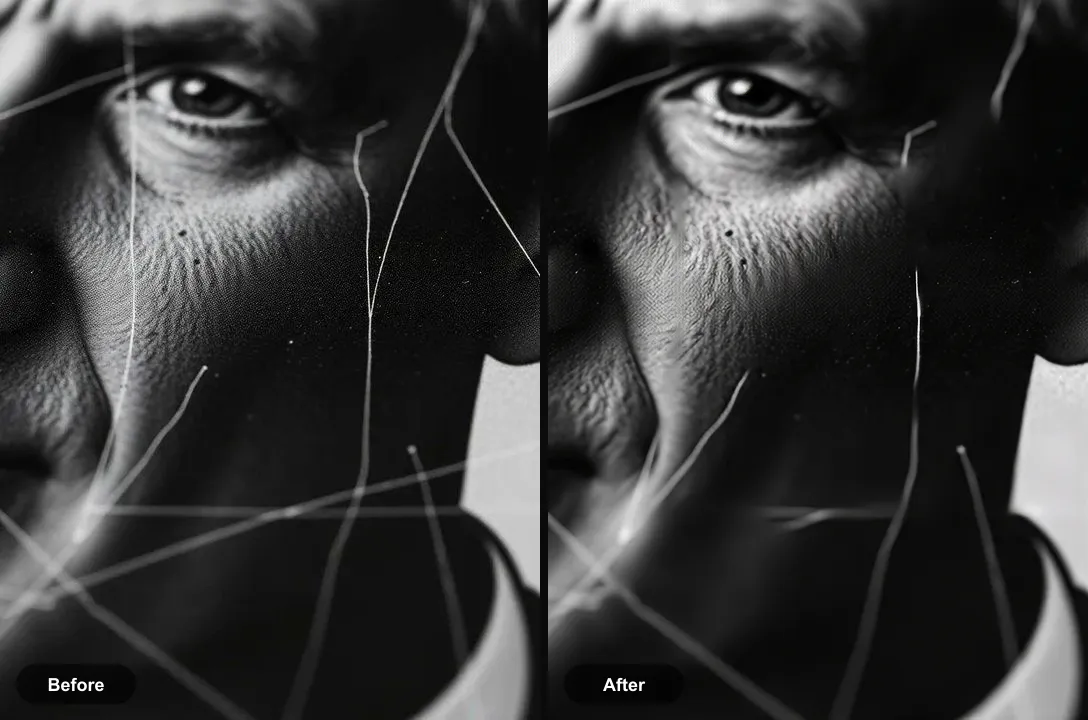
What to expect
Partly fixable. Contrast and small rust spots improve a great deal. Areas where the lacquer and image have flaked off down to bare iron are reconstructed, not recovered.
Practical notes
- Check for writing in the case or sleeve before restoring; names and studios were often noted there
- The mirrored image means buttons, partings and writing appear reversed, which helps date and identify the sitter
- Store tintypes flat, dry and cool, away from anything that could bend them
Questions
Why is my tintype mirrored?
A tintype was exposed directly in the camera with no negative, so the image is laterally reversed, like a reflection. You can flip a restored digital copy to show the sitter the right way round.
Can you clean a tintype?
Only very gently, with a soft dry brush to remove dust. Water and cleaning products cause rust and lift the image. Anything more should be left to a conservator.
Going deeper
How to restore old photos explains the method behind this, including what it cannot fix.