
Fixing a blurry profile picture
Small source file, then a platform that crops and recompresses whatever you give it.
Why profile pictures come out this way
Two things stack. The photo often starts as a crop from a group shot, so it was never full resolution to begin with. Then the platform resizes it to its own dimensions and compresses it again, which is why an image that looked acceptable on your laptop turns mushy in a 200-pixel circle.
What to run, and in what order
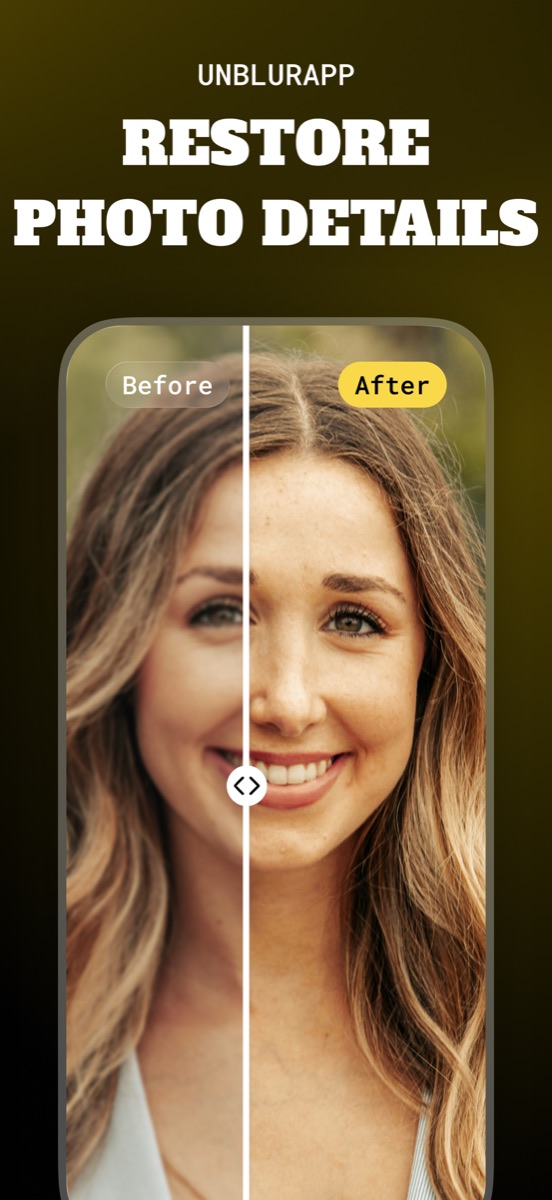
Run Restore Faces rather than the general enhance, since the whole subject is a face and the portrait model handles eyes and hair boundaries properly. Upscale afterwards if the source was a crop, then let the platform do its own resizing from the largest file you can give it.
The tool for this is Restore faces in a photo.
Practical notes
- Upload the biggest version you have and let the platform downscale, instead of resizing it yourself first
- Check the result as a small circle, not at full size, because that is how people will see it
- A slightly soft photo with good light beats a sharp one taken under a ceiling bulb
Questions
What resolution should a profile picture be?
Larger than the display size, and square if the platform crops to a circle. Give it the biggest file you have and let it downscale, since its resizing is better than a second round of compression on your side.
Can I use a crop from a group photo as a headshot?
You can, and upscaling makes it workable, but expect a limit. A face occupying a small part of the original frame has little real detail, so the result is partly reconstruction.
Going deeper
How to unblur a face in a photo explains the method behind this, including what it cannot fix.